Promotions: one message instead of a hundred personal invitations
A new UzmiTermin feature helps you invite clients to book without messaging each of them by hand. Write the text once, choose Viber, WhatsApp, Telegram or email, and start the campaign.
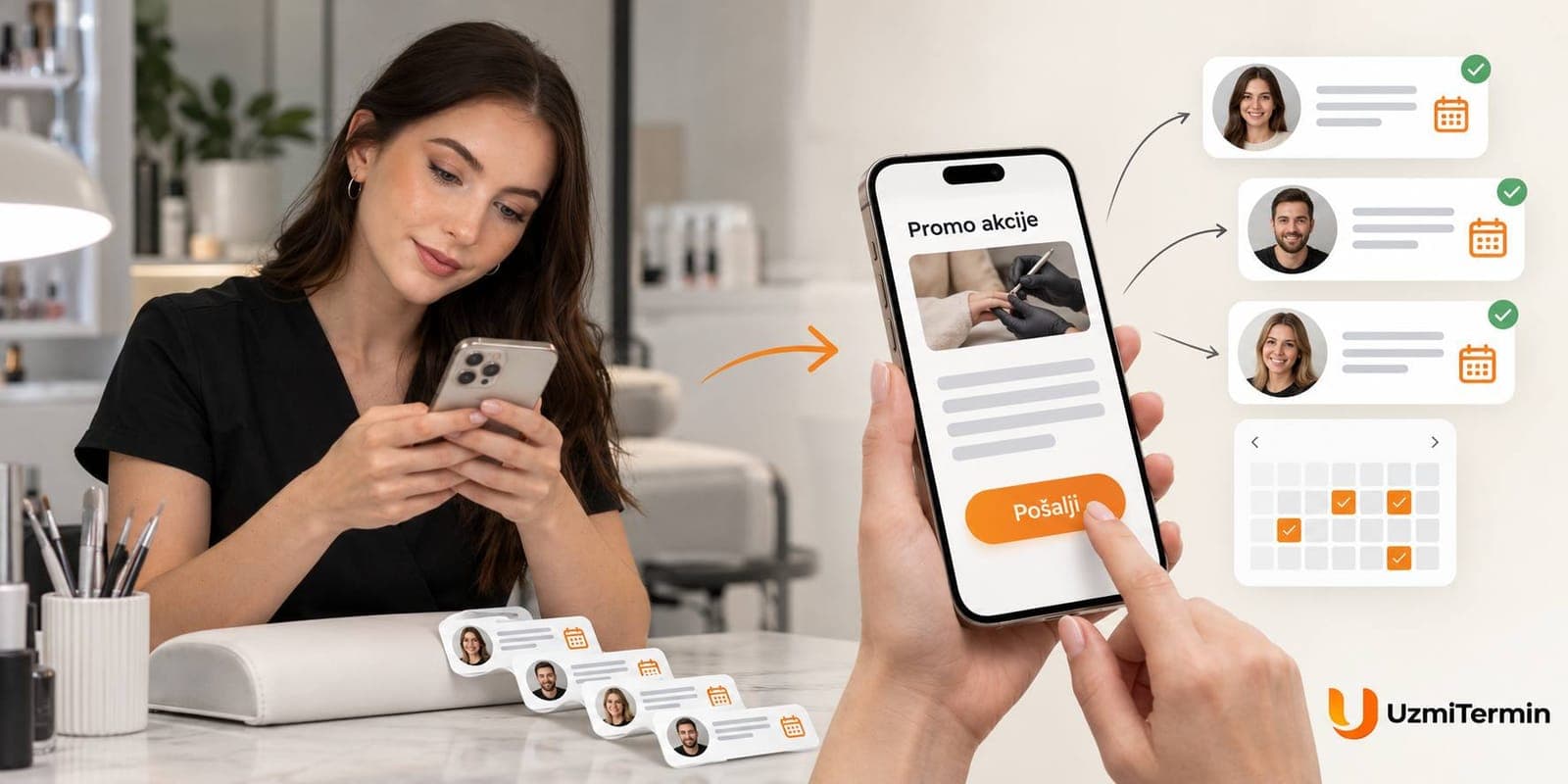
Got a free day?
Prepared a seasonal offer?
Or want to invite clients who haven't booked in a while?
Usually this means digging through contacts and chats, copying the text and sending it to everyone one by one. During a working day there's no time for that, so it's easy to put off.
Promotions in UzmiTermin make this job easier. You write one message, and the service sends it to your clients through the channel you choose.
Each client gets a separate message with your name and a "Book now" button that leads to your booking page.
How promotions work
- One text for the whole campaign. Write the message once instead of copying and sending it to every client by hand.
- The channel of your choice. Use Viber, WhatsApp, Telegram or email.
- A "Book now" button in the message. The client opens your page, sees the available slots and picks a time that suits them.
- Send now or on a schedule. Start the campaign right away or choose a day and time. Messages are sent between 10:00 and 20:00.
- Check before sending. Click "Send to me" to see how the message will look for your client.
- Number of recipients and delivery results. Before sending you see how many clients are in the chosen channel, after sending - how many received the message.
This is how a promotion looks for the client:

All week, November 3-9, manicure with hand care and paraffin treatment at 20% off. Free slots on the weekend too.
Book online using the button below.
When a campaign helps most
Bring back clients who haven't come in a while
A client who visited you six months ago hasn't left for good - they just forgot to book. A short reminder with a convenient button often works better than looking for new clients: they already know and trust you.
Keep your regulars
A seasonal offer, a new service, a gift for a return visit - a small reason to remind them of you, so your regulars don't drift to the salon next door.
Fill empty slots
A canceled appointment, a quiet week, a free Saturday - the promotion goes out the same day, and clients pick a time on your page themselves.
Invite clients to book online
If you've just switched to UzmiTermin, tell your clients they can now book with you in a couple of taps - no calls, no waiting for a reply.
Where the recipients come from
A promotion goes to your contacts - the clients you see in the "Contacts" section of your account. There are three ways to fill it.
1. Import your client list
If your clients are in your phone, a spreadsheet or another service, upload a CSV, TXT or RTF file: name, phone number or email, note. A number without a country code is treated as Serbian, and duplicates and invalid numbers are skipped. You can also add a few contacts by hand.
2. Let clients book through your page
Everyone who books through UzmiTermin is added to your contacts automatically. The more clients book online, the more people will get your next promotion - with no extra work on your side.
That's why the link to your booking page should be where people look for you:
- in your Instagram bio - the most visible spot for beauty pros and salons;
- on your website - as a button or an embedded booking calendar;
- in your Viber and WhatsApp auto-reply - a client who asks "when are you free?" gets the link and books on their own;
- on a QR code at your workstation or on your business card - the client books the next visit before leaving.
3. Clients connect messengers themselves
Viber and WhatsApp only need a phone number. Telegram and email reach clients who have signed up and turned that channel on.
How to send your first promotion
-
Open "Promotions" in your account and click "New promotion".
-
Choose a channel - Viber, WhatsApp, Telegram or email. You immediately see how many clients will get the message.
-
Write a headline and text. Headline - up to 60 characters, text - up to 500. We add your business name and the "Book now" button ourselves.
-
Send a test message to yourself and see how it looks.
-
Pick a time and click "Submit for review". A moderator checks the promotion - usually within a business day - and it goes out at the scheduled hour.
Respectful to your clients
Promotions shouldn't annoy people - otherwise they'll unsubscribe. So:
- One message per client per campaign, even if they appear in your contacts twice.
- No more than once every two weeks. People read rare messages and ignore frequent ones.
- Daytime only - from 10:00 to 20:00 Belgrade time.
- One-click unsubscribe. A client can opt out of your offers, and they won't get your next promotions.
- Every promotion is checked by a moderator - so there's no spam or third-party links in campaigns.
How much it costs
Promotions are included in the UzmiTermin subscription:
- "I work solo" - up to 100 recipients per promotion;
- "We work as a team" - up to 300 recipients.
One returning client pays for a month of subscription, and a promotion reaches dozens of clients at once. Plans and prices are on the Pricing page.
Try it now
During the trial you can send one trial promotion. Upload a few of your contacts or add yourself, send a test message - and see how many clients click "Book now".
And so your next promotion reaches even more people, put the link to your booking page on Instagram and your website today.
Start with a free trial - no card required.